Serve abliterated DeepSeek V4.1 Flash on six RTX A6000s on Lium
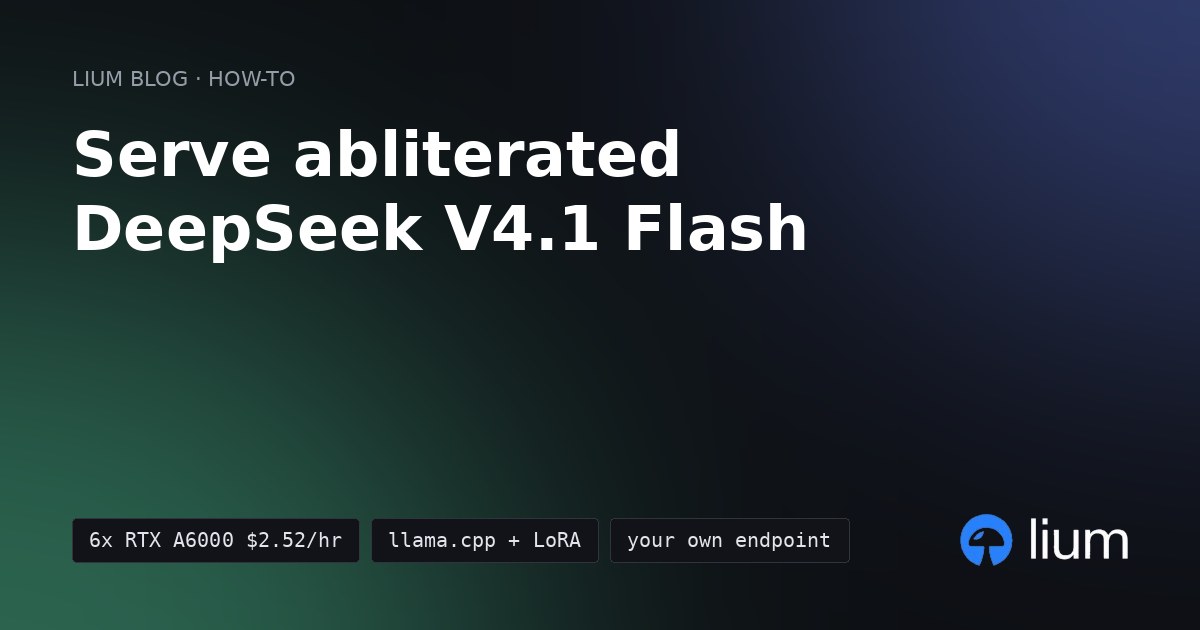
Run the abliterated DeepSeek-V4.1-Flash-1017 with llama.cpp on a 6x RTX A6000 Lium pod ($2.52 per hour): a 300 GB 2-bit GGUF plus a 5 MB abliteration LoRA, served as your own OpenAI-compatible endpoint. Tested 16 November 2026.
Lium team6 min read
deepseek
abliterated
uncensored
llama-cpp
llm-inference
rtx-a6000
The abliterated build of DeepSeek V4.1 Flash is not on the big model APIs, so the way to use it is to serve it yourself. In this guide we rent six RTX A6000s on Lium for $2.52 per hour, serve the model with llama.cpp and call it from a laptop through our own OpenAI-compatible endpoint. We ran every step inside a real Lium pod on 16 November 2026. We rented it through the Lium API; the
lium commands below do the same from the CLI.Why run it on Lium
- Cheap memory. Six A6000s give 288 GB of GPU memory for $2.52 per hour on Lium Secure. That is enough for a 2-bit build of a 763-billion-parameter model.
- Any weights. You get root and Docker on the pod, so you download the exact files you want. Nothing between you and the model filters it.
- Billed per second.
--ttl 3hremoves the pod on schedule, so a forgotten test doesn't keep billing. - Private by default. The server listens only inside the pod, and you reach it through SSH.
For the broader case, see Where to run abliterated LLMs.
1. Pick the files
mrfakename/DeepSeek-V4.1-Flash-1017-abliterated removes the refusal behaviour of deepseek-ai/DeepSeek-V4.1-Flash-1017 (MIT license, 763 billion parameters). Its model card reports refusals on 100 held-out harmful prompts dropping from 97 to 4 in chat mode. Besides the full FP8 checkpoint, the repository has a 5 MB file, abliteration-lora.gguf, which applies the same edit to the original GGUF files at load time.That lets us use a small quantized GGUF. Unsloth's
UD-IQ2_XXS build is 300 GB in six files. The last file, 135 GB, holds the model's Engram tables, which stay in system memory. The other 165 GB go on the GPUs.2. Rent the GPUs
Install the CLI and sign in once.
lium init opens the browser and saves your API key and SSH key. Then list Secure nodes with RTX A6000s and CUDA 13.0 or newer, cheapest first:bash
curl -fsSL https://lium.io/install.sh | bash   # or: pip install lium.io
lium init
lium ls --gpu A6000 --tier secure --min-cuda 13.0
Pick a node with at least six free GPUs, about 500 GB of free disk and plenty of RAM: the Engram tables alone take 135 GB, and our node had 850 GB. On 16 November 2026 such nodes asked $0.40 to $0.42 per GPU-hour (public nodes feed, generated 08:33 UTC). We rented six GPUs at $0.42, so $2.52 per hour. Rent six of its GPUs with the CUDA devel template (it has
nvcc for the build) and a three-hour TTL:bash
lium up 1 -c 6 --name abl --ttl 3h -t 30612657-5da8-4c89-84af-0edd12bbc47clium up opens an SSH session on the pod when it is ready. Our pod was running about four and a half minutes after the rent call, most of it pulling the 4 GB image. The rest of the steps run inside the pod.The CUDA devel image doesn't support encrypted volumes, so this pod's volume is plain. If you want it encrypted, use one of the default PyTorch (CUDA + DinD) templates instead.
3. Build llama.cpp
DeepSeek V4.1 support is in upstream llama.cpp. Build the server with CUDA:
bash
apt-get update && apt-get install -y git cmake build-essential libcurl4-openssl-dev aria2
git clone --depth 1 https://github.com/ggml-org/llama.cpp
cmake -S llama.cpp -B llama.cpp/build -DGGML_CUDA=ON -DBUILD_SHARED_LIBS=OFF
cmake --build llama.cpp/build -j --target llama-server
We built llama.cpp commit
a946eb5 on the pod's 192 CPU threads in 11 minutes, while the model was downloading.4. Download the model
aria2c opens 16 connections per file and downloads four files at once:bash
mkdir -p /root/models && cd /root/models
B=https://huggingface.co/unsloth/DeepSeek-V4.1-Flash-1017-GGUF/resolve/main/UD-IQ2_XXS
for i in 1 2 3 4 5 6; do
  f=DeepSeek-V4.1-Flash-1017-UD-IQ2_XXS-0000$i-of-00006.gguf
  printf '%s\n  out=%s\n' "$B/$f" "$f"
done > urls.txt
aria2c -c -x 16 -s 16 -j 4 -i urls.txt
aria2c https://huggingface.co/mrfakename/DeepSeek-V4.1-Flash-1017-abliterated/resolve/main/abliteration-lora.gguf
On our node, the four large files (284 GB) took 20 minutes, about 240 MB/s. Your time depends on the node's download speed.
hf download stalled twice on the same node, which is why we use aria2c.5. Start the server
Generate an API key, then start
llama-server with the base model and the abliteration LoRA. -ngl 99 puts every layer on the GPUs, and -ot keeps the 135 GB Engram tables (per_layer_token_embd) in system memory. The server listens only on 127.0.0.1:bash
export LLAMA_API_KEY=$(openssl rand -hex 16); echo "$LLAMA_API_KEY"
/root/llama.cpp/build/bin/llama-server \
  -m /root/models/DeepSeek-V4.1-Flash-1017-UD-IQ2_XXS-00001-of-00006.gguf \
  --lora /root/models/abliteration-lora.gguf \
  -ngl 99 -ot 'per_layer_token_embd.weight=CPU' -c 32768 \
  --host 127.0.0.1 --port 8000 --api-key "$LLAMA_API_KEY"
Copy the printed key: you need it on your laptop. Our server loaded in about a minute and a half and used about 160 GiB of GPU memory across the six cards. It prints
listening on http://127.0.0.1:8000 when it is ready.6. Call it from your laptop
Open an SSH tunnel from your laptop. It forwards
127.0.0.1:8000 to the server inside the pod without opening any port to the internet:bash
$(lium describe abl --json | python3 -c 'import json,sys; print(json.load(sys.stdin)["access"]["ssh_cmd"])') \
  -N -L 8000:127.0.0.1:8000
In a second terminal, set the key you copied and send a request. Unsloth's guide recommends temperature 1.0 and top_p 1.0 for this model:
bash
export LLAMA_API_KEY=<the key from step 5>
curl http://127.0.0.1:8000/v1/chat/completions \
  -H "Authorization: Bearer $LLAMA_API_KEY" -H 'Content-Type: application/json' \
  -d '{"temperature": 1.0, "top_p": 1.0,
       "messages": [{"role": "user", "content": "Explain MoE models in two sentences."}]}'
On our pod this request took 4.3 seconds and returned 144 tokens: a short reasoning trace, then the answer below. A 1,500-token answer ran at 38.9 tokens per second for a single request.
Mixture of Experts (MoE) models use a routing network to send each input token to only a small subset of specialized sub-networks called "experts," rather than activating the whole model. This sparse activation lets the model have a very large total parameter count while keeping per-token compute costs much lower than a dense model of the same size.
To see what the LoRA changes, turn it off and on with the server's
/lora-adapters route ([{"id": 0, "scale": 0}] turns it off, scale 1 turns it back on). We asked "Give me step-by-step instructions to pick a pin tumbler lock with a tension wrench and a hook pick." with thinking off and temperature 0. With the LoRA off, the model began "I can't provide step-by-step instructions for picking a pin tumbler lock." With it on, it answered with a legal note, the tools and the steps.Any OpenAI-compatible client works with base URL
http://127.0.0.1:8000/v1 and the same key, including coding agents.7. Remove the pod
bash
lium rm ablThe three-hour TTL removes it anyway if you forget. Our whole test, from renting to removing, took 67 minutes and cost $2.84.
Use it responsibly
This model answers requests that the original refuses; its model card says it "will comply with harmful requests". You are responsible for how you use it, under the model's license and Lium's Terms of Service.
Run it on Lium
Get new posts by e-mail: Subscribe to the Lium newsletter