Lium vs AWS and Google Cloud: H100 training at less than half the on-demand price
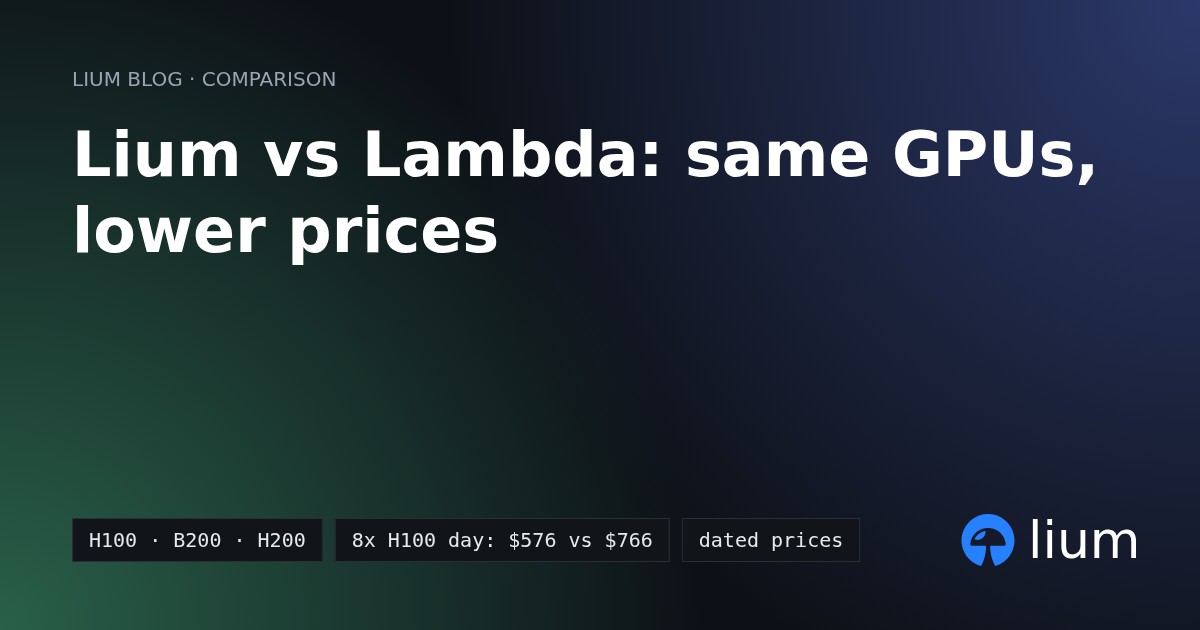
One 8x H100 SXM node on Lium costs $556.80 for 24 hours vs $1,320.96 on AWS and $2,123.76 on Google Cloud, with no quota request and agent budgets built in.
Lium team10 min read
comparison
aws
google-cloud
h100
training
pricing
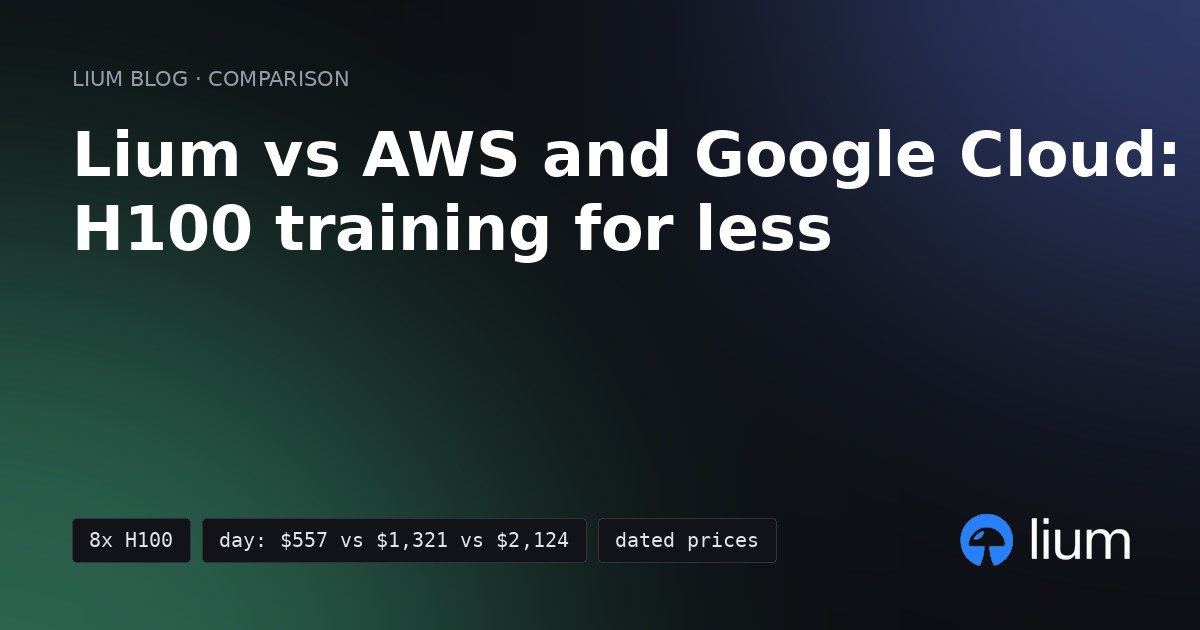
An 8x H100 SXM node on Lium costs $23.20 an hour on demand, compared with $55.04 on AWS and $88.49 on Google Cloud. (Pricing checked on 31 October 2026.)
A 24-hour rental costs $556.80 on Lium, saving $764.16 over AWS and $1,566.96 over Google Cloud, and you can start without a quota request.
Why Lium beats AWS and Google Cloud:
- Less than half the on-demand price: $2.90 per H100 per hour on a Secure 8-GPU node ($23.20 an hour for the node), vs $6.88 per GPU on AWS ($55.04 an hour) and $11.06 on Google Cloud ($88.49 an hour).
- Below Google's listed H100 options: Lium's $23.20 on-demand node beats Google's Spot ($52.70), DWS Flex-start ($38.32), 1-year commitment ($61.38) and 3-year commitment ($38.86).
- No quota gate: AWS sets the default "Running On-Demand P instances" quota to 0 vCPUs, and Google Cloud requires H100 and global GPU quotas before you launch. Lium needs only an account and a top-up (at least $10) that leaves more than 15 minutes of the pod's price in your balance (over $5.80 for the $23.20 node).
- Per-second billing with no minimum: Lium bills per second with no 60-second floor, and
--ttlremoves the pod automatically when the job window ends. - Built for AI agents: Claude Code and Codex can sign up with one API call and run on API keys with server-enforced daily, monthly or lifetime budgets.
- Verified marketplace hardware: Lium tests every connected node every 15 minutes, and
--verify-gpuschecks thatnvidia-smiinside the pod sees the GPU count you are billed for.
For how Lium stacks up against other GPU marketplaces and clouds, see Lium vs RunPod, 8-hour H100 and H200 prices and best GPU cloud providers.
8x H100 SXM pricing: Lium vs AWS and Google Cloud
Lium's on-demand Secure node is cheaper per hour than AWS on-demand and the Google Cloud H100 options listed below, including 3-year commitments, Spot and DWS Flex-start.
All prices below were read on 31 October 2026 at 15:03 UTC. Lium is a marketplace where independent providers set their own prices, so asks move during the day; you can check current numbers on /pricing, the H100 page or by running
lium ls.Google's discounted options have different terms. Spot VMs can be interrupted, Flex-start VMs can wait for capacity before starting, and committed-use rates require a one- or three-year commitment. The 24- and 72-hour figures for commitments show equivalent usage costs at those rates. See Google's commitment terms and Flex-start documentation.
- Lium: lists the H100 SXM as
H100 80GB HBM3. The lowest ask on a rentable 8-GPU H100 SXM NVLink Secure node was $2.90 per GPU per hour in Finland ($23.20 an hour for the node), and the cheapest US node was $3.00 per GPU ($24.00 an hour). - AWS:
p5.48xlarge(8x H100 80 GB HBM3) in US East (N. Virginia) is $55.04 an hour ($6.88 per GPU). AWS also listsp5.4xlarge(1x H100) at $6.88 an hour. - Google Cloud:
a3-highgpu-8g(8x H100 80 GB) in Iowa (us-central1) is $88.49 an hour on demand ($11.06 per GPU).
What 24 or 72 hours on an 8x H100 node costs
For 24 hours of compute on an 8x H100 node, Lium saves $764.16 against AWS and $1,566.96 against Google Cloud on-demand, before storage, transfer and tax. These figures compare equal rental durations; training performance also depends on CPU, RAM, storage and interconnect.
Scenario 1: 24 hours on one 8x H100 node
- Lium: $23.20 x 24 = $556.80
- AWS on-demand: $55.04 x 24 = $1,320.96 ($764.16 more than Lium)
- Google Cloud on-demand: $88.49 x 24 = $2,123.76 ($1,566.96 more than Lium)
- Google Cloud DWS Flex-start (cheapest listed GCP option): $38.32 x 24 = $919.68 ($362.88 more than Lium)
Scenario 2: 72 hours on one 8x H100 node
- Lium: $23.20 x 72 = $1,670.40
- AWS on-demand: $55.04 x 72 = $3,962.88 ($2,292.48 more than Lium)
- Google Cloud on-demand: $88.49 x 72 = $6,371.28 ($4,700.88 more than Lium)
Quotas and time to first GPU
On Lium, create an account, top up and choose an available 8x H100 node, with no quota ticket. To start a pod your balance must be more than 15 minutes of its price, so over $5.80 for the $23.20/hour node; the smallest top-up is $10. You can top up by card, stablecoins or TAO.
On AWS, GPU instances are gated by vCPU quotas. The default quota for "Running On-Demand P instances" is 0 (AWS EC2 instance quotas). A
p5.48xlarge needs 192 vCPUs. If your account is still at the default quota, request an increase in Service Quotas before launching a node.On Google Cloud, creating VMs with H100s requires both the H100 GPU quota for the VM type and the global "GPUs (all regions)" quota (Google Cloud resource usage docs, last updated 26 Oct 2026). You have to check the Quotas page and request an increase if your account does not have it.
Billing, price protection and hardware checks
Lium bills pods per second at the listed price with no minimum and no rounding (Lium billing docs), and you can set the rental duration at launch with
--ttl 24h so a forgotten pod deletes itself on schedule. AWS bills in one-second increments with a minimum of 60 seconds (AWS EC2 pricing). Google Cloud bills a 1-minute minimum and per second after that (Google Cloud VM instance pricing).Lium also protects you from bad starts and sudden price hikes:
- No charge for failed starts: a pod that never reaches
RUNNINGis not charged. If the node was at fault, Lium tries another node with the same GPU at the same or a lower price (broken pods docs). - Price-raise protection on Secure nodes: if a provider raises a Secure node's price, the increase reaches a running pod no sooner than 21 days after rental, with 7 days' e-mail notice, at most once a month and by at most 25%. A price cut applies at once.
- 15-minute validator checks: Lium's validator tests every connected node every 15 minutes. Nodes are marked Secure or Spot, and you can filter by reliability score, uptime and download speed. See live network numbers at /stats.
- GPU verification and inactive credit: passing
--verify-gpuschecks thatnvidia-smiinside the pod sees the GPU count you are billed for. If a node stops reporting, its pods stop being charged once it is marked inactive, and the charge since its last report is credited back.
Data transfer out (egress) and storage
Moving datasets and checkpoints out of AWS or Google Cloud is a real switching cost, because both charge per GB to send data over the internet.
- AWS (US East, N. Virginia): data transfer out to the internet is $0.09 per GB for the first 10 TB a month, after 100 GB free per month across AWS (source: AWS data transfer price file published 16 Sep 2026, and AWS EC2 on-demand pricing).
- Google Cloud (Premium Tier, the default, from Iowa to North America): the first 1 GiB is free, then $0.12 per GiB up to 1 TiB and $0.11 per GiB up to 10 TiB (Google Cloud VPC network pricing).
Once your data is on Lium, Lium volumes mount at
/mnt, outlive the pod and move between pods. Volumes are billed on data actually stored at about $0.036 per GB-month; reads from a network volume incur transfer charges (Lium volume billing).Built for AI agents: Claude Code and Codex
AI agents such as Claude Code and Codex can rent GPUs on Lium with server-enforced spending limits.
- Server-enforced budgets per key: each agent gets its own API key with permissions and a daily, monthly or lifetime budget enforced on Lium's servers. A key at its budget can't start a new rental and its pods are removed when spend reaches it, and the agent cannot raise its own allowance (Lium API keys docs).
- Signup by API call: an agent can create its own Lium account with one API call and no e-mail address.
- CLI, SDK and machine-readable docs: agents provision pods through the
liumCLI or Python SDK (pip install lium.io), query the docs MCP server atdocs.lium.io/mcpand readllms.txt.
Read the step-by-step agent guides at Give Claude Code a GPU and Give Codex a GPU.
Switching from AWS or Google Cloud to Lium
To move a training workflow from EC2 or Compute Engine to Lium, start with these three areas (migration guide):
- Environment: on AWS or GCP you pick a Deep Learning AMI or VM image. On Lium you pick a template or bring a Docker image with
lium up --image <image>, or pass--dockerfileto build one on the node. - Data: copy your datasets and checkpoints out of AWS or GCP (at the egress rates above) onto a Lium volume mounted at
/mnt. - Automation: replace
boto3orgcloudprovisioning scripts with theliumCLI or Python SDK.
Here is the terminal flow to launch a 72-hour 8x H100 Secure training pod on Lium and verify the GPUs:
Choose an H100 SXM 80GB node with all eight GPUs available and confirm its price. Replace
<node> below with its row number or ID.bash
pip install lium.io
lium init
lium ls --gpu H100 --count 8 --tier secure
lium up <node> --count 8 --name train --ttl 72h --verify-gpus -y --no-ssh
lium exec train "nvidia-smi -L"
Once the pod is ready, copy your training code and data, then run your training command. The migration guide covers transferring files and running a job. Copy your checkpoints and outputs off the pod before its 72-hour removal time.
When training is finished and your results are saved, remove the pod to stop billing:
bash
lium rm train -yFAQ
How much cheaper is an 8x H100 node on Lium than on AWS and Google Cloud?
At 15:03 UTC on 31 October 2026, Lium's lowest 8x H100 SXM Secure node was $23.20 an hour ($2.90/GPU), compared with $55.04 an hour on AWS (
p5.48xlarge) and $88.49 an hour on Google Cloud (a3-highgpu-8g). Over 24 hours, Lium costs $556.80 vs $1,320.96 on AWS and $2,123.76 on Google Cloud.Do I need to request a GPU quota on Lium?
No. AWS sets the default on-demand P-instance quota to 0 vCPUs (and
p5.48xlarge needs 192 vCPUs), while Google Cloud requires H100 and global GPU quotas. On Lium you create an account, top up at least $10 (the balance must be over 15 minutes of the pod's price, $5.80 for the $23.20/hour node) and rent an available node.Can a provider raise the price during my training run?
On Lium Secure nodes, a provider's price raise reaches a running pod no sooner than 21 days after rental, with 7 days' e-mail notice, at most once a month and by at most 25%. Price cuts apply immediately.
How do I keep an AI agent from overspending on GPUs?
Give Claude Code or Codex its own Lium API key with a daily, monthly or lifetime budget (API keys docs) and pass
--ttl when starting pods. Lium's servers stop a key at its budget from starting pods and remove its pods when spend reaches it, and the agent cannot raise its own limit.Check today's live H100 rates on /pricing and launch your first pod with the first-hour guide.
Run it on Lium
Get new posts by e-mail: Subscribe to the Lium newsletter